Blog / / 8 min read
The agentic metaharness
Coding agents are getting good. The annoying part is everything around them: the tabs, logs, dev servers, half-finished plans, and other agents you forgot were still running.
If you're working seriously with coding agents, you know this problem. You've got Claude Code in one tab, Codex in another, maybe Amp or OpenCode or Gemini CLI somewhere else. Then you've got your app server, queue worker, logs, test watcher, shell sessions, and whatever other little processes this project needs to stay alive.
Everything is running, which is great, except you have no idea who needs what, what crashed, what finished, or which agent is waiting for you to paste in the same context for the third time.
This is not great!
At first it looks like a terminal problem. It isn't. It's a layer problem. We have the model layer. We have the harness layer. What we're missing is the layer above the harnesses.
That's the agentic metaharness.
The three-layer model
Models, harnesses, and the thing above them
Metaharness
Top layer
The workspace layer
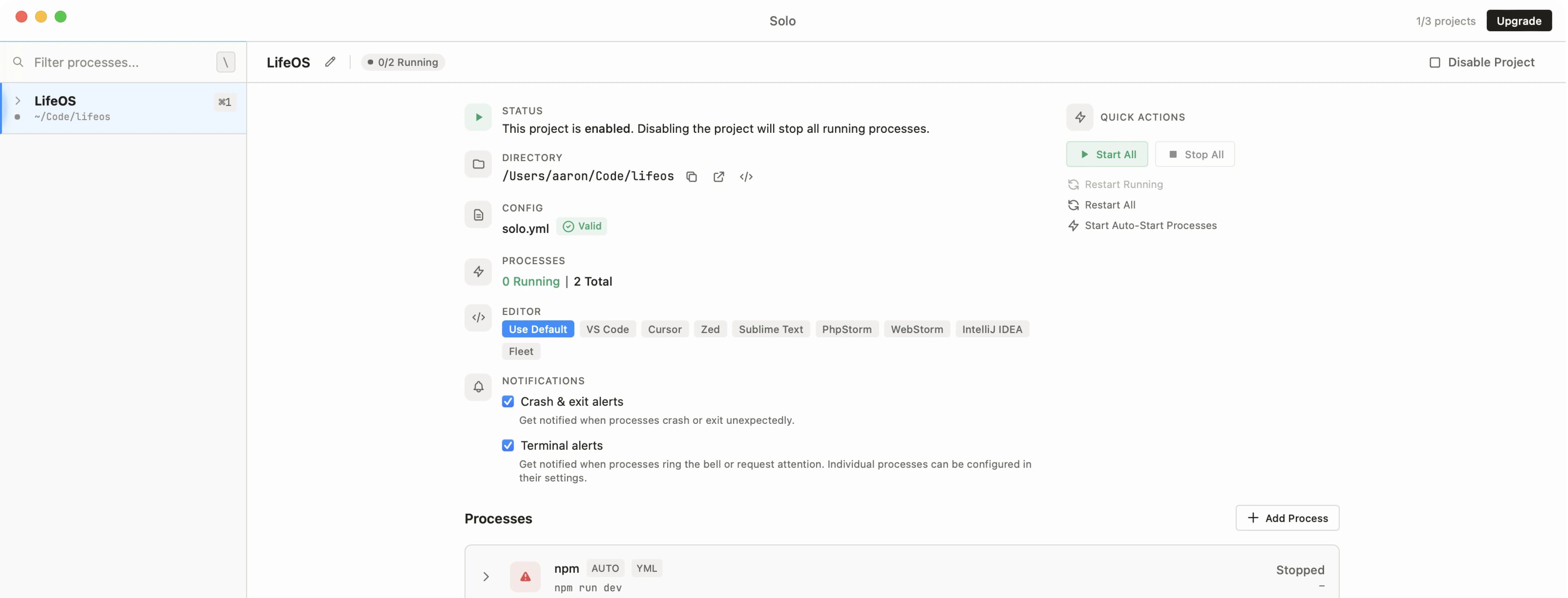
Solo sits above the harnesses. It does not try to be Claude Code or Codex. It runs them and gives them the project workspace they were missing.
Harnesses
Middle layer
The harness layer
Claude Code, Codex, Amp, OpenCode, Gemini CLI, Aider, Goose, and the rest. These turn models into coding agents with prompts, tools, permissions, and terminal behavior.
Models
Base layer
The model layer
GPT, Claude, Gemini, and whatever comes next. This is the part that is smart. Great. We need that part.
What it is not
It is not another harness
This is the part I think is important. A lot of agent orchestration tools go straight to the model API and rebuild the whole agent experience from scratch.
They rebuild the loop, the prompts, the terminal behavior, the permissions, the auth, the tool adapters, and then eventually you're staring at yet another thing that wants to own the entire workflow.
Sometimes that's fine. If you're running a narrow automated job, maybe you do want that. But for normal development, the harnesses are already good. Claude Code is good at being Claude Code. Codex is good at being Codex. Amp and OpenCode and Gemini CLI all have their own deal.
I don't want to replace those tools. I want to give them a better room to work in.
What the metaharness owns
The room where the work happens
An agent in an empty shell can do useful work. An agent that can see the dev server, logs, queues, ports, scratchpads, todos, and other agents is a lot more useful.

01
A process graph that knows which agents, dev servers, queues, workers, logs, and shells belong to this project.
02
Output and status that agents can read without you copying the right chunk of terminal scrollback by hand.
03
Scratchpads for context that should live longer than one chat window.
04
Todos, blockers, comments, locks, and key-value state for work that needs more than one agent.
05
Timers and idle watchers so a lead agent can wait on child agents without burning tokens or forgetting what it was doing.
06
Notifications and restart behavior so you only get pulled in when something actually needs you.
A practical pattern
Let the agent coordinate, but keep the work visible
The interesting part is not that Solo can run multiple agents. You could already open more terminal tabs. Congratulations to us, we invented clutter.
The interesting part is that the agents can use the workspace. A lead agent can spawn a second agent to review the latest commit. It can tell that agent exactly what to look at. Then it can set a timer that says: wake me when that agent goes idle.
It's not burning tokens while it waits. It's not polling. It's not depending on you to remember that tab 17 had the important thing in it. Solo wakes it up when the other agent is done.
When the child agent finishes, the lead agent reads the output, harvests the findings, closes the process if it should, and decides what comes next.
Same thing for bigger work. An agent can read a scratchpad, break the plan into todos, find the independent parts, spawn focused workers, wait for them, integrate the result, and write down what happened.
That's orchestration, but it is not some giant black box. The agents are still normal tools. The terminals are still visible. The logs are still there. You can look at any part of the system whenever you want.
Why this matters
Better agents make this more important
As coding agents improve, I don't think developers are going to use fewer of them. I think we're going to use more.
One will be better at refactors. One will be better at review. One will have the model you want for a certain task. One will already be authenticated to the thing you need. One will just be the one you like using. That's fine! Use them all.
But once you do that, the question changes. It is no longer just: which agent should I use?
It becomes: where do these agents live? What can they see? How do they share state? How do they wait on each other? How do I know what is happening without babysitting every terminal?
That is the job of the metaharness.
Where Solo fits
Solo is the metaharness I wanted
Solo doesn't pick a model for you. It doesn't force you into one provider. It doesn't ask you to abandon Claude Code, Codex, Amp, OpenCode, Gemini CLI, Aider, Goose, your terminal, or your editor.
It runs those tools beside your dev stack and gives them a shared workspace through MCP: process status, terminal output, scratchpads, todos, timers, coordination tools, key-value state, locks, and project context.
The point is pretty simple: keep the harnesses that are already good, then give them the surrounding environment they've been missing.
That's the agentic metaharness. It's the coding harness for your coding harness.